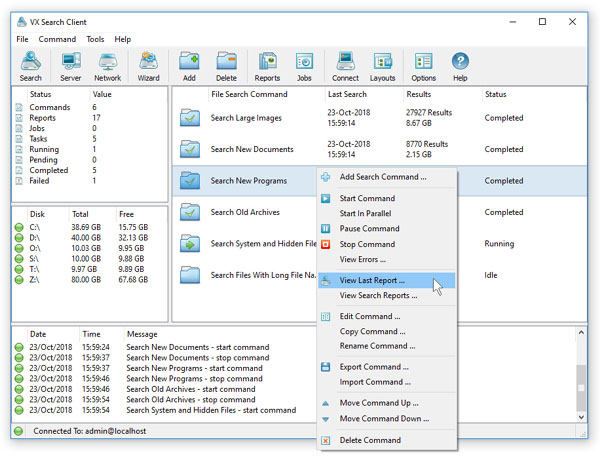
VX Search Server provides multiple ways to search files ranging from simple file name wildcards to complex sets of multi-level file matching rules
capable of searching files using multiple criteria combined with logical operators. In the simplest, case press the 'Search' button located
on the main toolbar, enter a file name wildcard and one or more disks or directories to search in.

For more advanced search capabilities, press the 'Advanced Search' button, add one or more file matching rules and select an appropriate
logical operator. VX Search provides a large number of file matching rules capable of searching files by the file type, category, file name,
extension, location, size, creation, modification and last access dates, user name, file attributes, JPEG EXIF tags, etc.
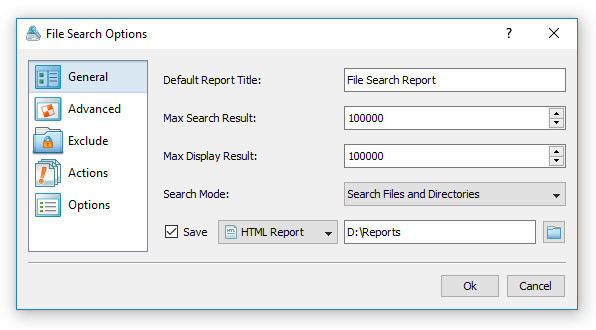
Once finished adding file matching rules, press the 'Search' button to start the search operation. The main VX Search GUI application shows
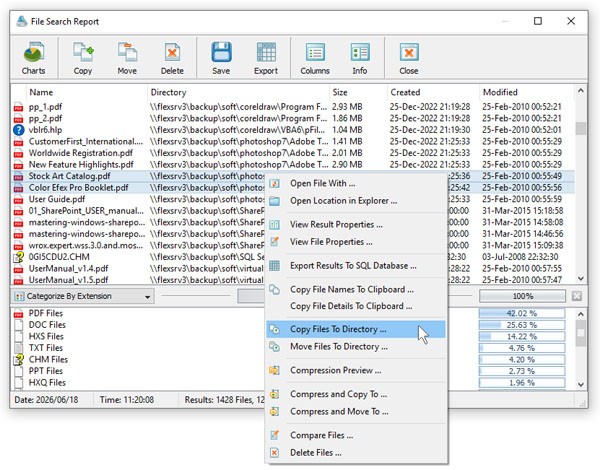
file search results and allows one to categorize and filter results, export reports, generate pie and bars charts and much more.