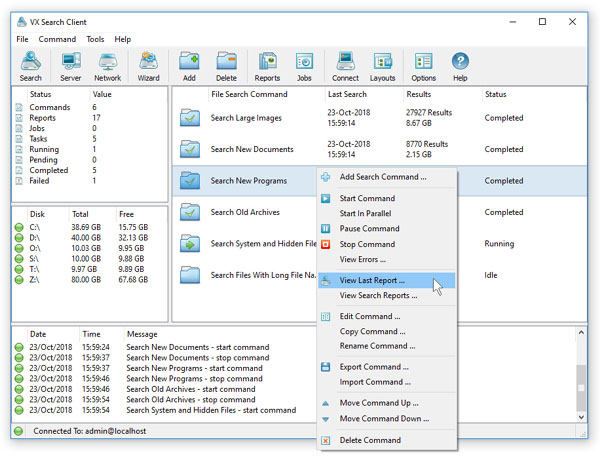
In addition to the VX Search client GUI application, VX Search Enterprise provides a web-based management interface,
which can be used to control one or more servers using a regular web browser.

In order to enable the web-based management interface, connect to the server using the client GUI application,
open the 'Options' dialog, select the 'Server' tab and select the 'Enable Web Server' option. Now, open a regular web
browser and type in the address bar the host name or an IP address of the server to connect to and login
to the VX Search Enterprise web-based management interface using the default (admin/admin) user name and password.

The VX Search Enterprise home page shows the user-defined file search commands and allows one to perform file search operations,
review file search results, generate various types of reports and schedule periodic file search operations.